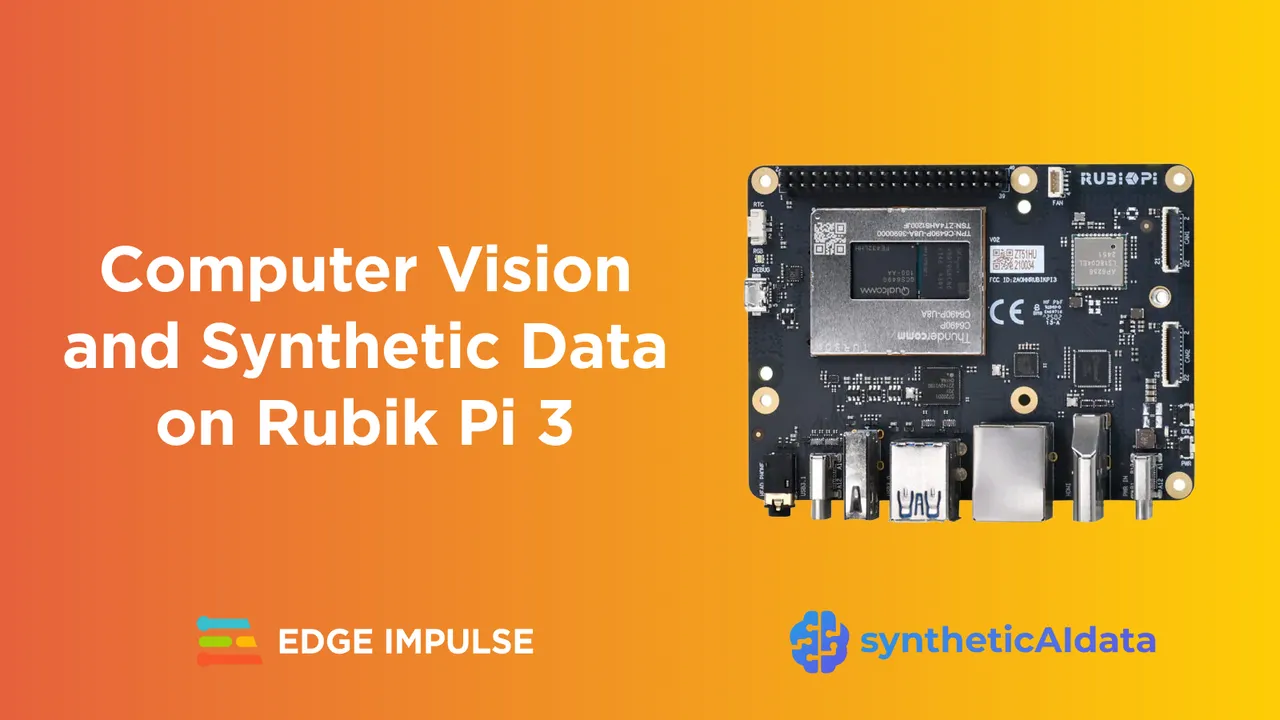
The Rubik Pi 3 is a compact, yet powerful edge AI computing platform built on the Qualcomm Dragonwing™ QCS6490 processor, capable of delivering up to 12 TOPS of on-device AI performance.
It runs a native Ubuntu environment, supports leading AI frameworks such as TensorFlow Lite and ONNX, and integrates seamlessly with standard developer tools like VS Code.
When paired with Edge Impulse, Rubik Pi provides a complete environment for developing, training, and deploying machine learning models directly at the edge.
Let's take a closer look at how to get started with this board for computer vision — and how synthetic data can help enhance that endeavor.
Collecting Real-World Data for Computer Vision
Computer vision projects rely on large volumes of labeled image data, yet collecting and annotating real-world samples is often slow, costly, and limited by environmental constraints.
Even simple tasks such as tool detection may require hundreds of labeled photos captured under different lighting and angles. This data bottleneck remains one of the main barriers to starting new AI vision projects on embedded systems.
What Synthetic Data Is and Why It Works
Synthetic data is artificially generated data that replicates real-world conditions using computer algorithms, 3D modeling, and rendering. Instead of photographing and manually labeling thousands of physical samples, developers can use synthetic data generation tools powered by computer algorithms to automatically create photorealistic images of their objects. These tools provide precise control over lighting, materials, backgrounds, and environmental factors, enabling the creation of large, diverse datasets that improve model generalization.
syntheticAIdata: Powering Vision Datasets for Fast AI Development
syntheticAIdata extends synthetic data generation techniques to deliver high-quality, domain-specific datasets for computer vision research and deployment. The platform combines advanced 3D generation pipelines, procedural scene construction, and physics-based rendering to create realistic, labeled images that reflect diverse environmental and object conditions.
The modular design enables easy customization for use cases such as industrial inspection, robotics, and remote sensing.
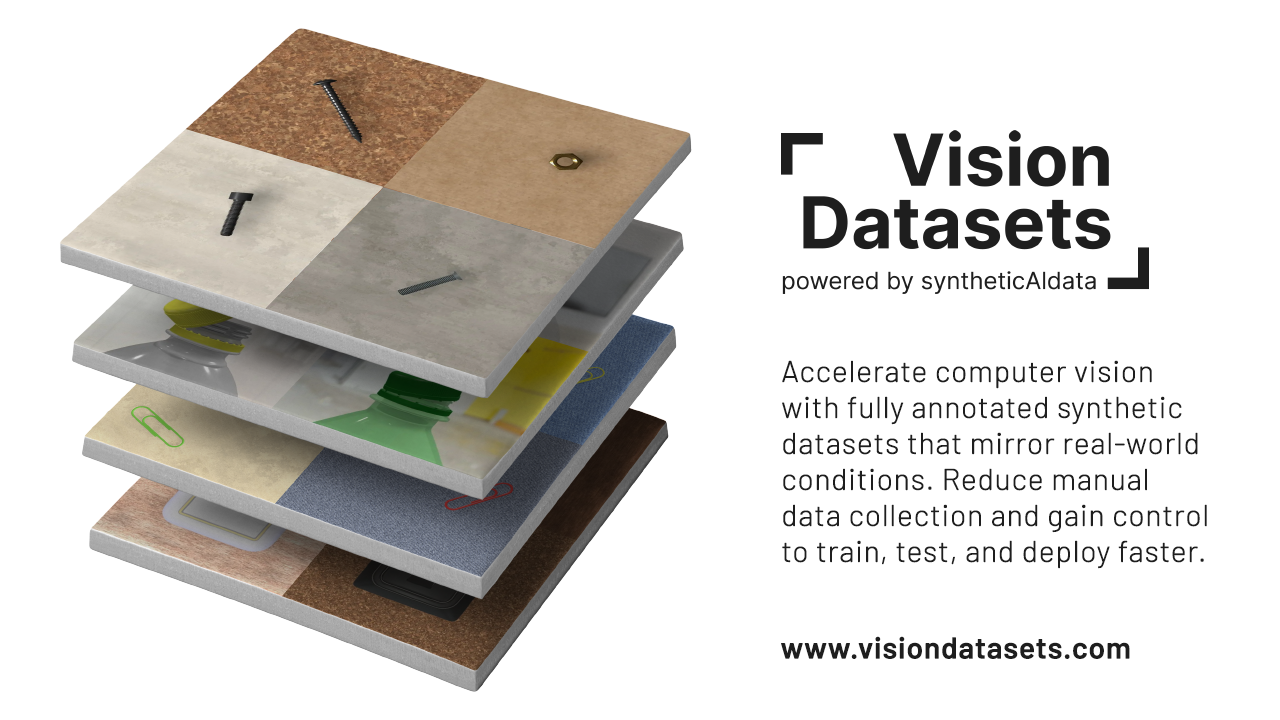
As part of this ecosystem, VisionDatasets.com provides ready-to-use datasets compatible with Edge Impulse. Developers can access structured collections covering categories such as tools, components, and everyday objects, enabling quick experimentation and training without manual data collection.
Dataset Spotlight: Hammers, Pliers, Screwdrivers, and Wrenches
For this tutorial, we prepared the Hammers, Pliers, Screwdrivers, and Wrenches dataset, a synthetic object detection dataset created to train AI models that recognize common hand tools.
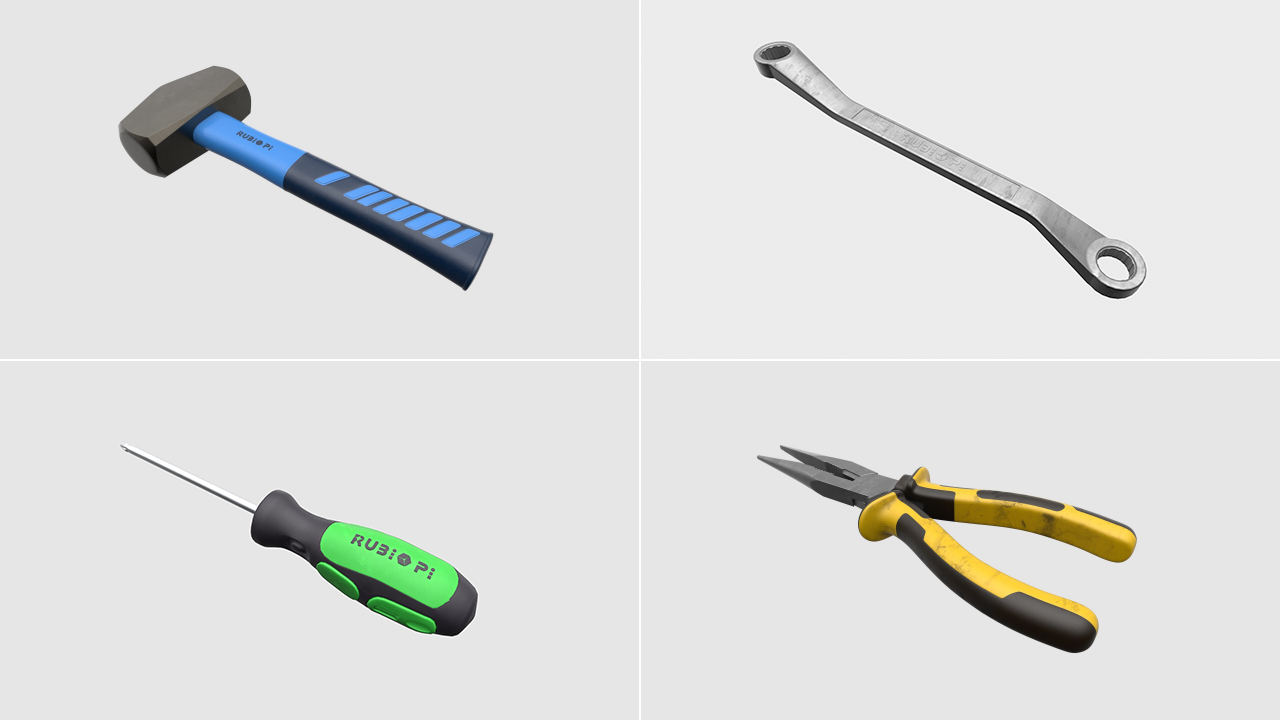
The dataset contains thousands of labeled images generated under diverse conditions. Each image varies in lighting, background, and positioning to support robust model generalization in real-world environments.
Example applications:
- Detecting tools in a workspace or manufacturing setting
- Verify tool presence in a toolbox
- Supporting robotic pick-and-place and sorting systems
This dataset was created to illustrate how synthetic data can accelerate computer vision model development using the Rubik Pi platform.
The dataset was created using syntheticAIdata’s 3D generation pipeline. Each object instance was modeled in 3D and rendered using randomized scene parameters, including camera position, lighting intensity, material properties, and environmental backgrounds. This approach ensures high variability and realism while maintaining accurate ground-truth labels for object detection tasks.
Step 1: Create a New Edge Impulse Project
Before you begin, make sure you have:
- An Edge Impulse account (sign up at edgeimpulse.com/signup)
- A Rubik Pi device connected to your computer via USB
Create a project:
- Log in to your Edge Impulse dashboard
- Click “Create new project”
- Name your project. For example, “Tool Detection Demo”
- Set labeling model to “Bounding boxes (object detection)” in your project info
Connect your Rubik Pi:
- Open a terminal
- Install the Edge Impulse CLI for Linux devices.
wget
https://cdn.edgeimpulse.com/firmware/linux/setup-edge-impulse-qc-linux.shsh setup-edge-impulse-qc-linux.sh
- To get started, run the following command and follow the on-screen prompts to connect your device and link it to your Edge Impulse project
edge-impulse-linux- Verify that your device appears under the Devices tab in your Edge Impulse project
Step 2: Upload Synthetic Data from VisionDatasets.com
To get started with Vision Datasets and Edge Impulse integration, follow these steps:
- Log in to the Vision Datasets dashboard.
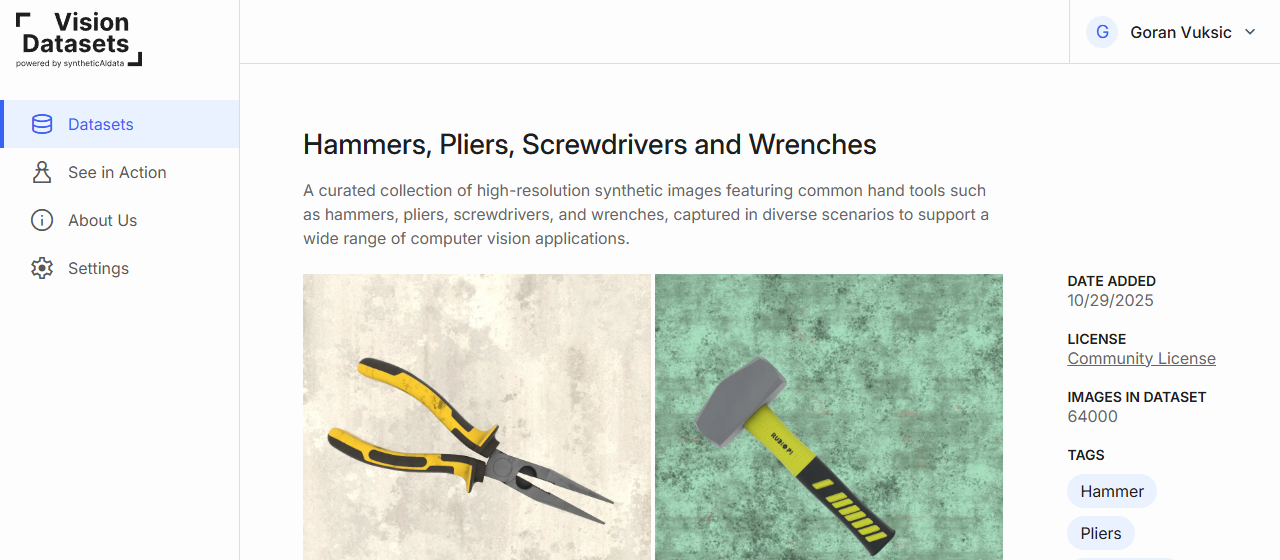
- Browse or search for a relevant dataset (Hammers, Pliers, Screwdrivers and Wrenches).
Each dataset card shows description, preview images, image count, file size, classes, version, license. - Click Upload to Edge Impulse on your chosen dataset.

- In the popup, provide:
-Edge Impulse API Key
(Find it in your Edge Impulse project: Dashboard → Keys → API Keys)
-Image volume (number of images to upload)
-Image resolution (e.g., 96×96, 320×320, 512×512, 1024x1024)
-Classes to include (select one or more)
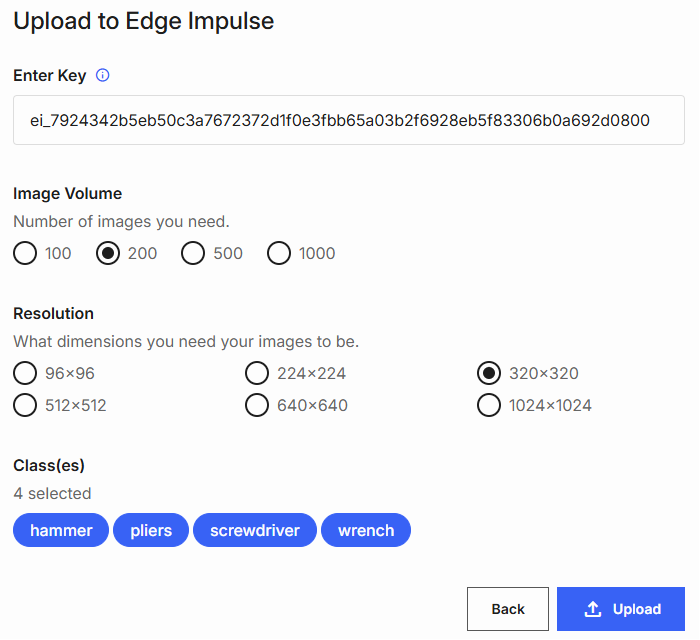
Click Upload to start the transfer.
After upload, you’ll see a success confirmation.

You can also use Download to export the dataset locally for inspection.
Step 3: Explore and Train Your Model
All imported data in Edge Impulse can be viewed and managed in the “Data acquisition” tab, where you can browse uploaded samples, check their labels, and verify that your training and testing datasets are correctly organized.
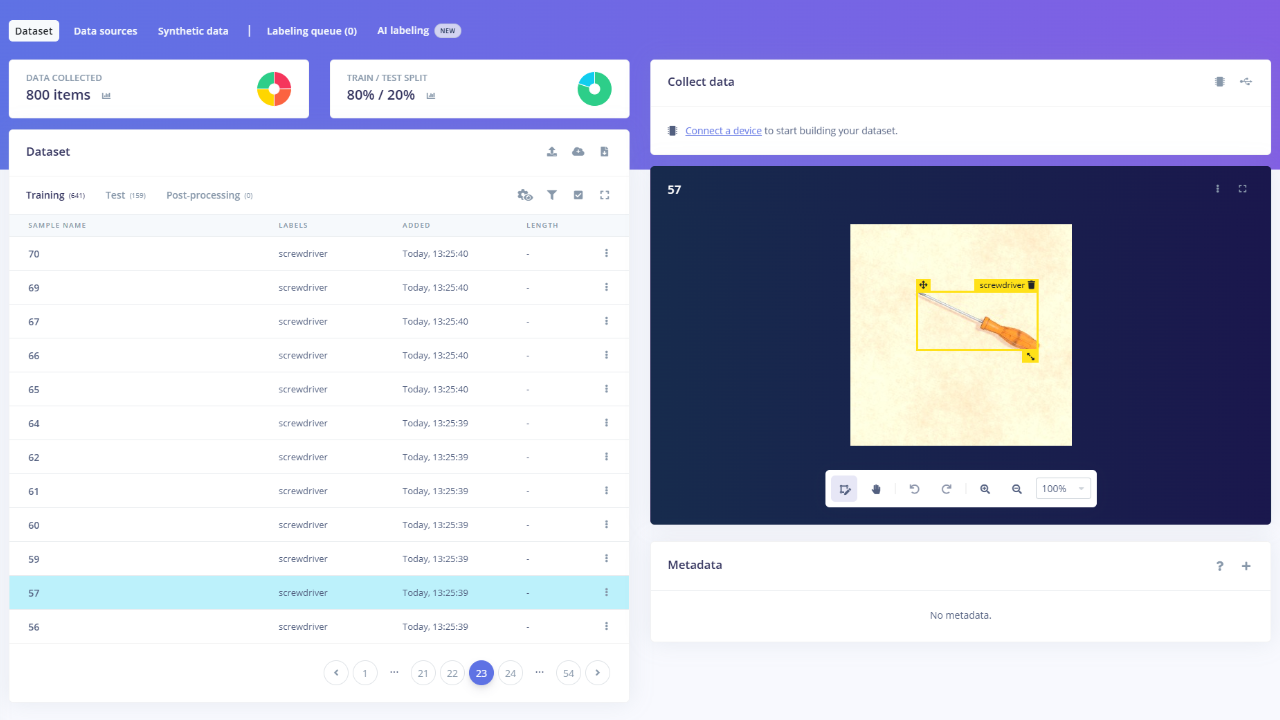
From this tab, you can also split your data into training and testing sets, ensuring proper model validation and balanced performance evaluation.
With the dataset ready, developers can now create an impulse, save the configuration, and generate features to prepare the data for model training in Edge Impulse.
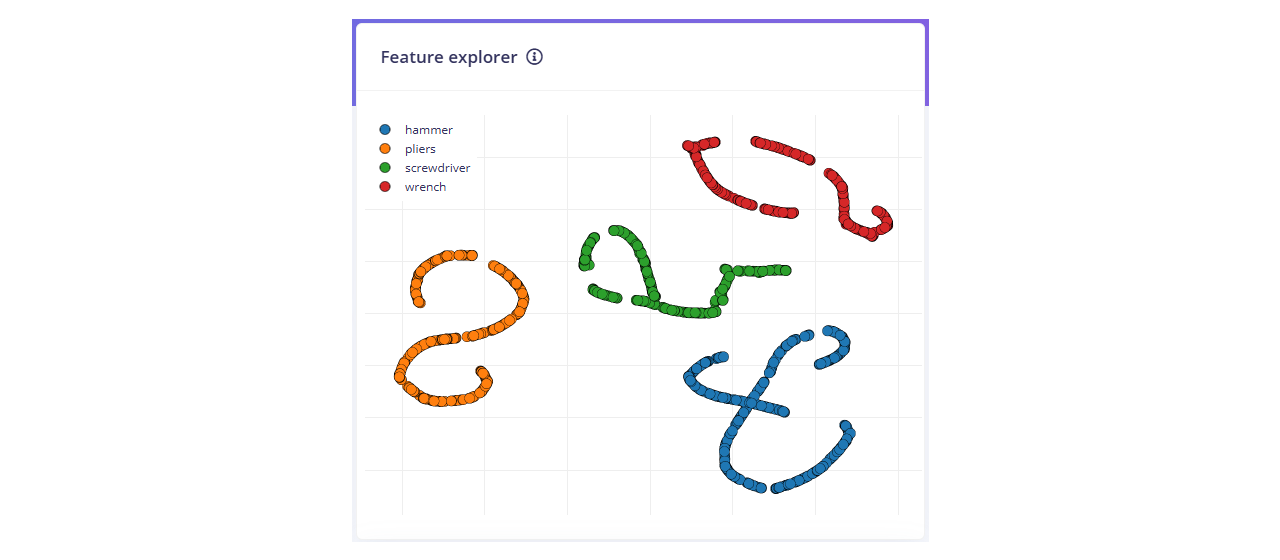
With the features generated, developers can now train the model using Edge Impulse’s built-in training interface to begin learning from the synthetic dataset.
Step 4: Test Live Detection
To run your impulse locally on the device, open a terminal and execute the following command:
edge-impulse-linux-runner
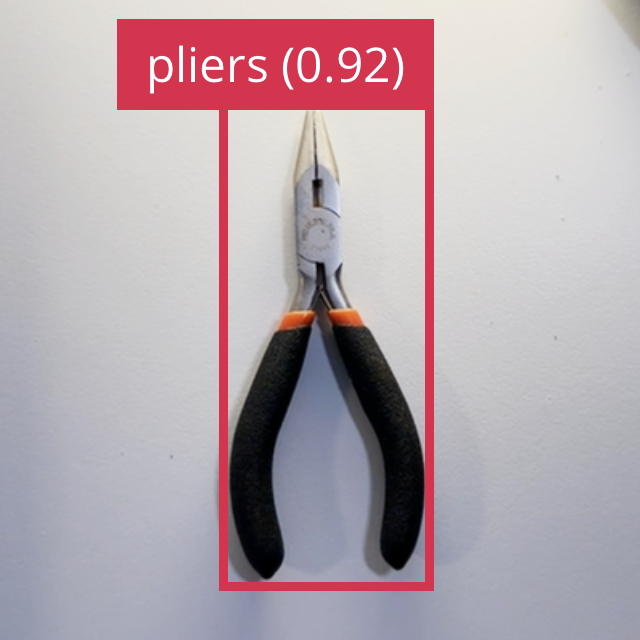
You should see bounding boxes and labels appear in real time as RubikPi detects each tool using a model trained entirely on synthetic data.
Conclusion: Accelerate Edge AI Projects with Synthetic Data
This hands-on project demonstrates how synthetic data can eliminate one of the key challenges in edge AI development: obtaining high-quality training data.
By combining syntheticAIdata’s photorealistic datasets, Edge Impulse’s streamlined workflow, and the Rubik Pi platform’s high-performance computing capabilities, developers can build, train, and deploy computer vision models in a fraction of the time required with conventional data collection.
Synthetic data can be a powerful and viable way to augment real-world data, providing for faster, more flexible, and scalable AI innovation.
Read Edge Impulse's blog post supporting the launch of SyntheticAIdata to learn more about this platform and explore additional real-world examples, (bottle cap detection for industrial automation, nuts-and-bolts object detection) and explore our tutorials to get even more guidance.
Get started with your own Rubik Pi computer vision project using the Hammers, Pliers, Screwdrivers, and Wrenches dataset available at VisionDatasets.com.